Your chats, answered while you rest.
Reply Monk auto-replies on WhatsApp and eight more apps, no account needed.
For Android 8 and newer.
What does a customer get back?
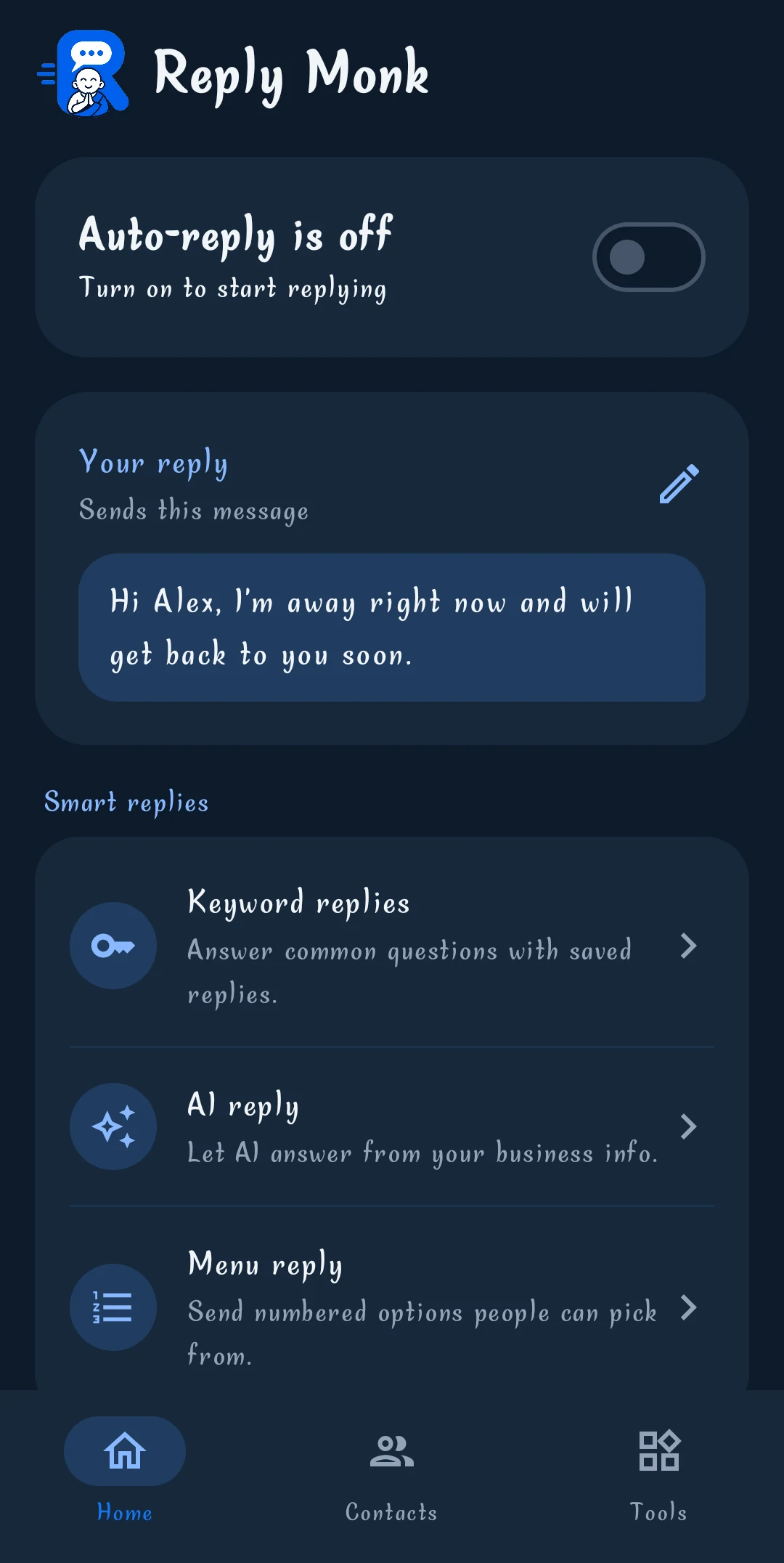
The reply that fits: your saved answer, a menu, or AI.

How much is a chocolate cake?
Cakes start at ₹450. Order by 6 pm for next-day pickup.
You save the words to watch for, and the answer to send.
Can you make an eggless cake for Sunday?
Yes, we bake eggless cakes. For Sunday, please order by Saturday 6 pm. Shall I note your name?
Writes from the facts you give it, with your OpenAI, Gemini or NVIDIA key.
Which apps can it answer?
Any app that lets you reply from its notification.
- Phone
- Android 8 or newer
- Permission
- Notification access only
- WhatsApp Business
- Telegram
- Messenger
- Signal
- Viber
- Google Messages
Where do my messages go?
Nowhere new. It all stays on your phone.
- No account
- Nothing to sign up for.
- No ads or tracking
- No analytics in the app.
- Your own AI key
- AI chats go straight to your provider.
- Off the cloud
- Keys and rules stay on the phone.
Will it reply to everyone?
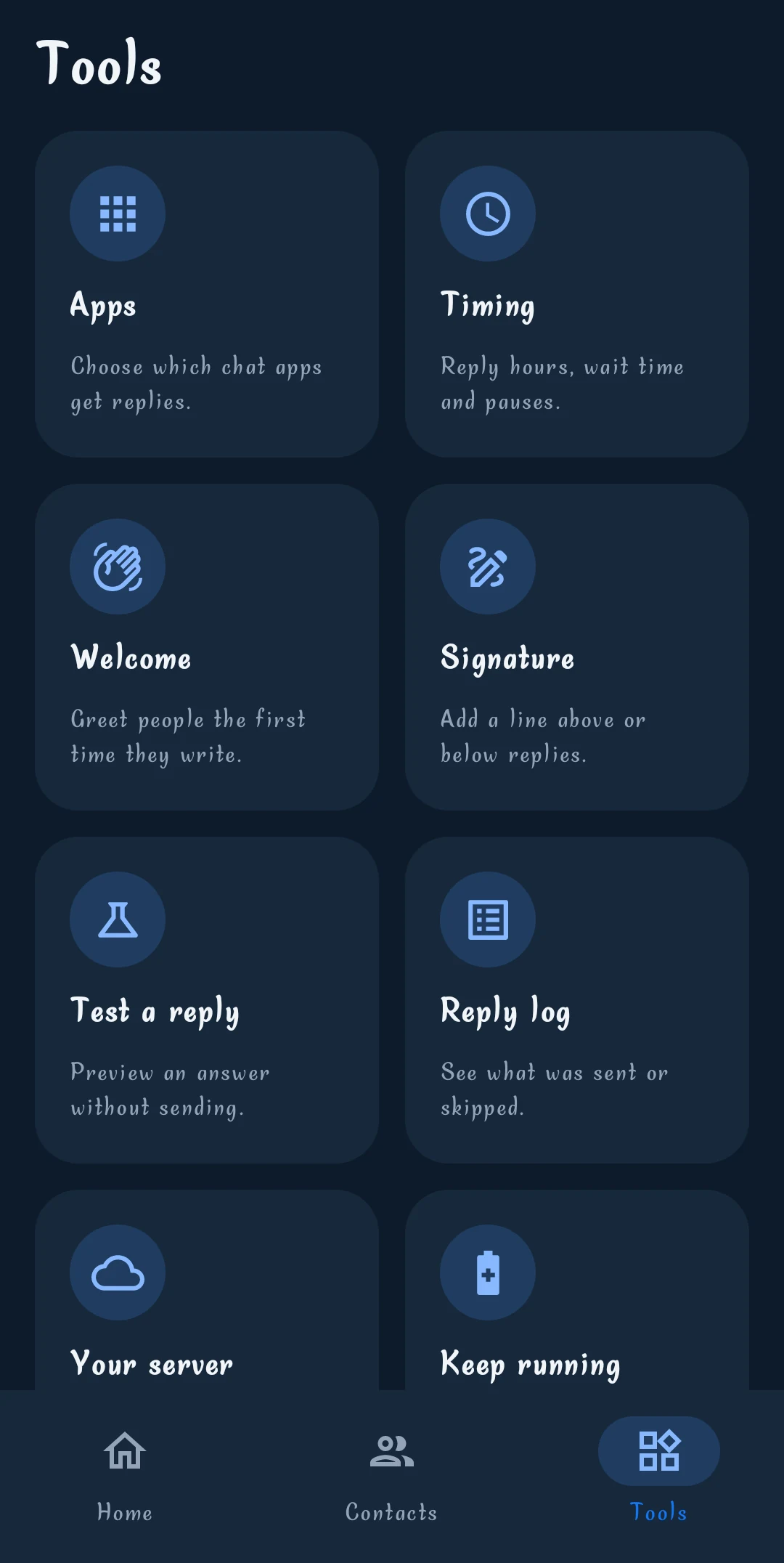
Only where and when you say.
- Group chats
- Off until you switch them on.
- Reply hours
- Only in a window, like 10 pm to 8 am.
- Breathing room
- A pause before answering the same chat again.
- Never these words
- Skips messages with words like OTP.
- Try it first
- See the answer before anything is sent.

Let the monk take the next message.
Install it, allow notification access, write your first reply.
Play Store link to be added